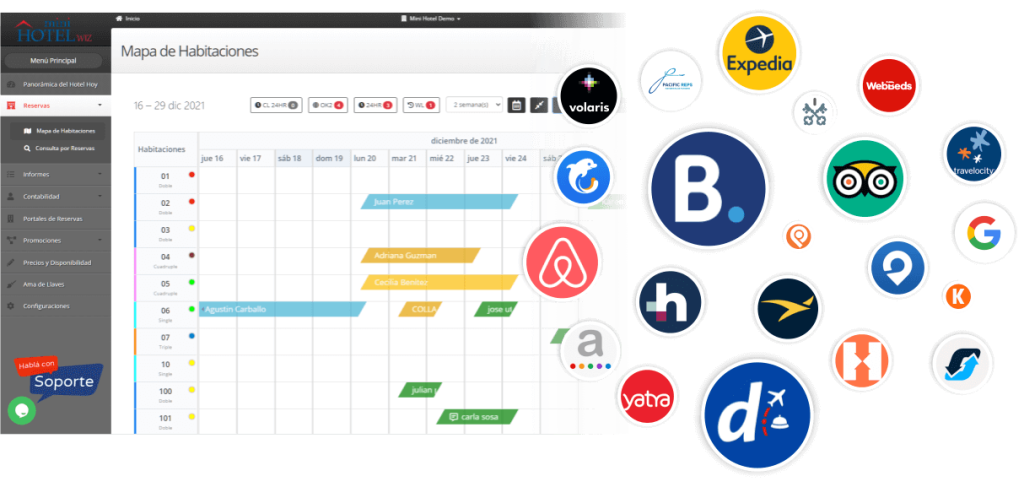
Our Technical Support team is always ready to connect the Channel Manager and improve the hotel management.
In order to generate this synchronization it is necessary to coordinate a meeting with our team.
At the time of the meeting it will be extremely important:
- To have OTAs profiles complete and with identical data as they are loaded in the PMS.
- Have a username and password of the OTA’s profile.
- Have access to the device linked to the portals account, as all OTAs work with a verification code.
- Have Any Desk downloaded: anydesk.com
- Configure Mini Hotel’s price list with the same currency they work with in the portal.
- Have all the previous reservations loaded in the hotel system.
- Load the price lists for a minimum of 6 months onwards.
These 7 items are essential to proceed with the Channel Manager connection.